

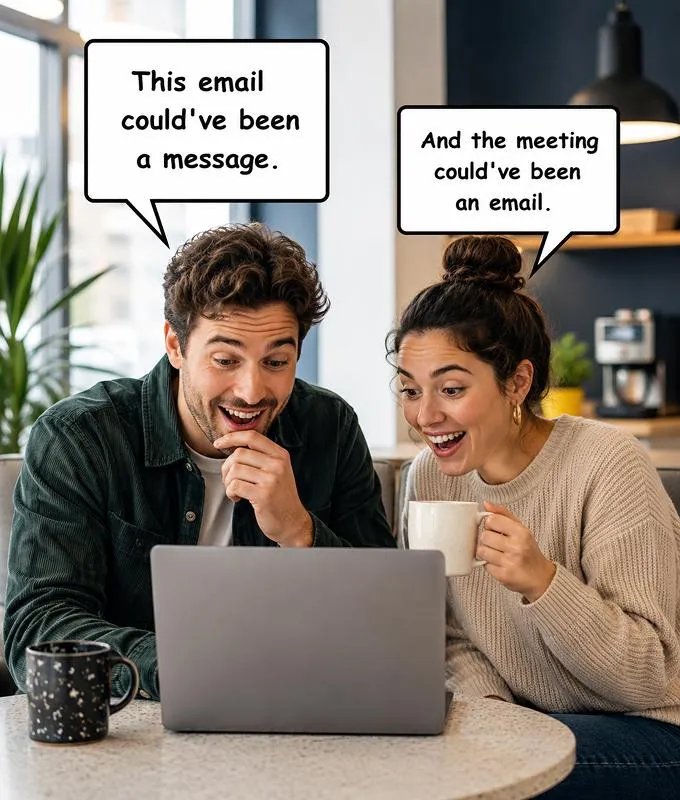
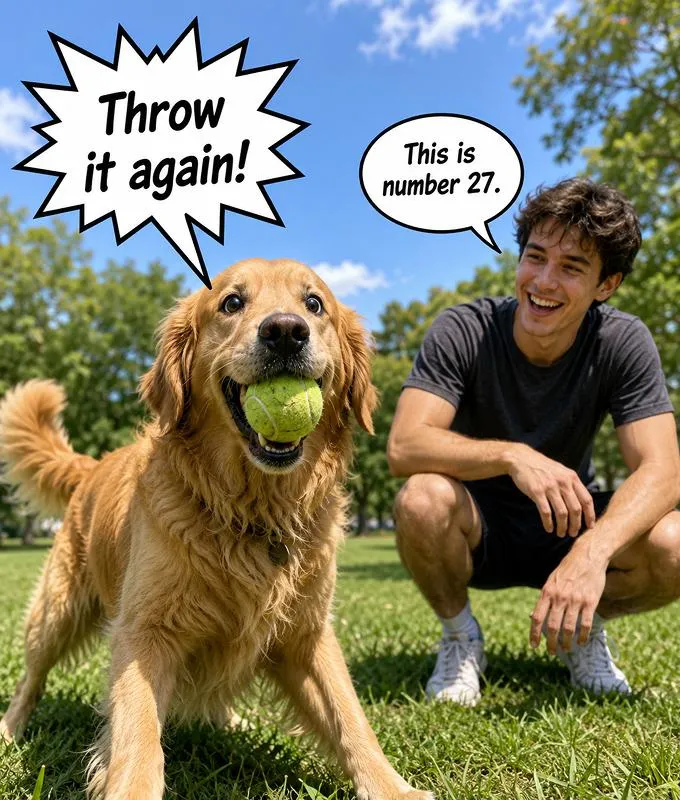
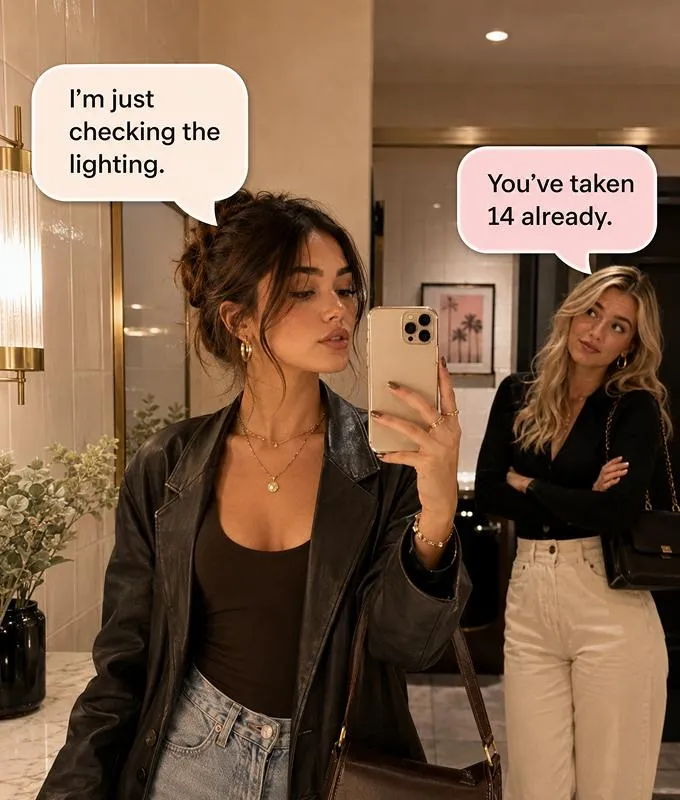
Speech Bubble Maker

0/2000
Visiva logoKling logoVeo logoSora logoPixVerse logoVidu logo

Why Choose Visiva AI Speech Bubble Maker

Want to turn a normal image into a meme, comic panel, or reaction post? Visiva AI Speech Bubble Maker lets you upload a photo, add custom speech bubbles, adjust text and placement, and create shareable images for social media, Discord, Reddit, or everyday jokes.

Speech Bubble Maker: Add Speech Bubbles to Photos Online

Make your image say exactly what the internet is thinking. Upload any photo, meme, screenshot, pet pic, reaction face, or character image, then add a speech bubble that turns it into a joke, comic moment, POV post, or viral reaction in seconds.

Speech Bubble Maker
  • Turn Any Image into a Speech Bubble Meme

    A single speech bubble can completely change how an image feels. Add a funny line, a reaction, an inner thought, or a fake conversation, and a normal photo instantly becomes more expressive and shareable.

    With our Speech Bubble Maker, you can upload a pet photo, screenshot, reaction image, cartoon, or personal picture, then add your own text in seconds. It is great for quick memes, comic-style jokes, group chat moments, and social media posts.

  • Customize Bubble Style, Text, and Placement

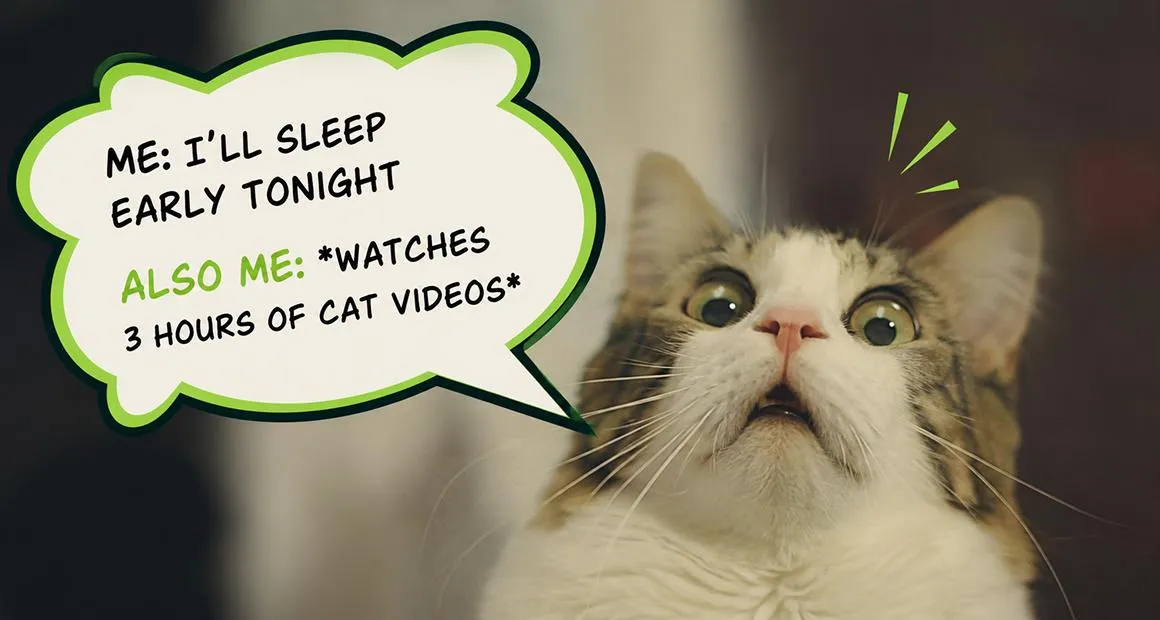
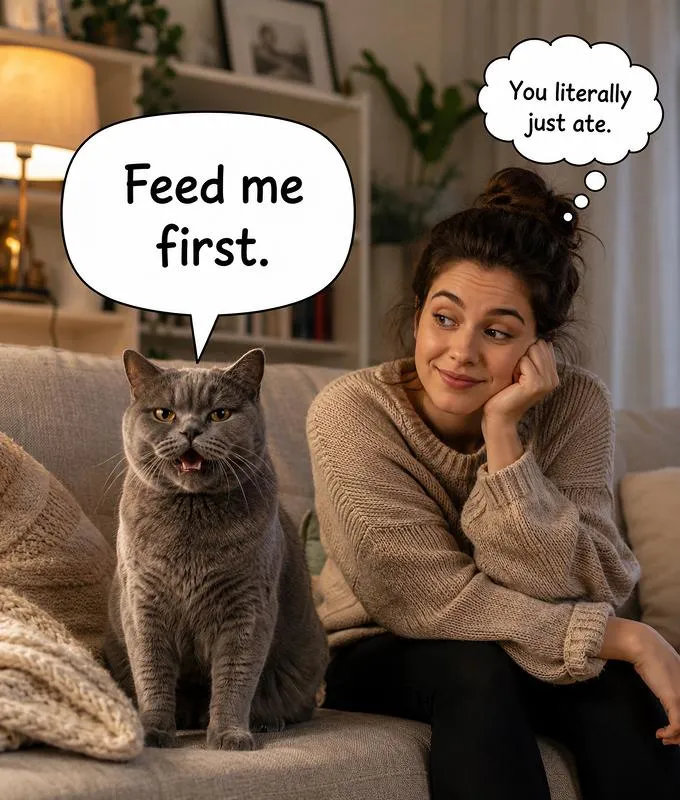
    Different jokes need different bubble styles. A rounded bubble feels casual and friendly, while a rectangle bubble looks cleaner and more direct. You can also choose where the bubble appears and adjust the tail direction so it points naturally to the right person or object.

    Edit the text, change the size, move the bubble, and make sure everything looks clear on the image. The goal is simple: help your caption feel like it belongs in the photo, not pasted on top of it.

  • Create Memes, Comics, and Social Posts Faster

    You do not need complex editing software to make a speech bubble image. This tool is built for fast visual storytelling, whether you are making a meme, a comic panel, a Discord joke, a classroom visual, or a social media post.

    Just upload your image, add the bubble, adjust the look, and download the final result. It is simple enough for casual meme-making, but flexible enough for polished content you want to share online.

Multiple Speech Bubble Styles

  • Speech Bubble Maker
  • Speech Bubble Maker
  • Speech Bubble Maker
  • Speech Bubble Maker

Hear From the Creators Who Use Visiva AI Every Day

5.0

As a freelance illustrator, I often have finished character images but no time to animate them properly. Visiva has made that part much easier for me. I can upload a still artwork, choose a motion style, and get a short video that keeps the original feeling of the drawing. Some generations still need small adjustments, but the overall result is much better than I expected.
@miradraws

@miradraws

Freelance Illustrator

5.0

I mainly use Visiva for fan edits and character pairing videos. Before this, I had to spend hours cutting clips, adding camera shake, and trying to make one image feel dramatic. Now I can turn a single picture into a moving scene in a few minutes. It is not always perfect on the first try, but when the motion works, it really saves the whole edit.

@kairoclips

@kairoclips

Fan Edit Creator

4.0

As a social media designer, I need quick visual ideas almost every day. Visiva is useful when a static post feels too flat but I do not have enough material to make a full video. I can test different motions, export a few versions, and pick the one that feels most natural. The workflow is simple, especially when I do not want to write a long prompt.

@elliotframes

@elliotframes

Social Media Designer

5.0

I run a small online store, and making product videos used to take too much time. With Visiva, I can upload a clean product photo and turn it into a short motion ad for TikTok or Instagram. It is not the same as hiring a whole video team, but for daily content and quick campaign tests, it is honestly very practical.

@noahmakesads

@noahmakesads

Small Business Owner

5.0

I have tried a few AI video tools before, but many of them changed the face or made the character look strange. Visiva feels more stable for the kind of anime-style images I usually work with. I like that I can start from templates and then adjust the motion later. It makes the whole process less technical and more fun.

@luna_afterhours

@luna_afterhours

Anime Edit Hobbyist

5.0

As a content creator, I do not always have the energy to film or edit something from zero. Visiva helps me turn one idea or one image into a video that is good enough to post. I still regenerate when I want a cleaner result, but the speed is the main reason I keep using it. It makes daily posting feel less heavy.

@maddie.mov

@maddie.mov

TikTok Content Creator

How to Use the Speech Bubble Maker

  1. Step 1 — Upload Your Image

    Choose the photo, screenshot, pet image, reaction picture, or illustration you want to edit.

  2. Step 2 — Customize Speech Bubbles

    Select a bubble style, enter your text, adjust the bubble position, and customize the look to fit your image.

  3. Step 3 — Download and Share

    Preview your speech bubble image, download the final result, and share it on social media, in chats, or anywhere you want.

FAQs

AI Speech Bubble Maker

What is a Speech Bubble Maker?

A Speech Bubble Maker is an online tool that lets you add text-filled speech bubbles to photos, screenshots, illustrations, or memes. It is useful for creating funny conversations, reactions, comic panels, and social media posts.

Is the Speech Bubble Maker free to use?

Yes. You can sign up for free and earn credits through daily check-ins, inviting friends, and other reward activities. These credits can be used to try the Speech Bubble Maker online. If you need more creations, additional credit options may also be available.

What can I use speech bubble memes for?

You can use them for reaction memes, pet memes, Discord jokes, Reddit posts, TikTok content, Instagram images, comic strips, classroom visuals, product posts, or personal messages.

Can I customize the speech bubble style?

Yes. You can choose different bubble shapes, tail directions, placements, and text styles. You can also adjust the text so it fits the image naturally.

What images work best?

Clear images with enough empty space around the subject usually work best. Photos, screenshots, cartoons, pet pictures, and reaction images are all good choices.

Do I need design skills to use it?

No. The tool is built for quick editing. Just upload an image, add your speech bubble text, adjust the placement, and download the finished meme or comic-style image.

Create Custom Speech Bubble Images Today

Our Speech Bubble Maker is a simple way to add custom speech bubbles to photos, screenshots, reaction images, cartoons, and memes. Choose a bubble style, edit the text, adjust the placement, and download a finished image for social media, Discord, Reddit, comic panels, classroom visuals, or everyday jokes. Upload your image and turn it into a shareable speech bubble meme in seconds.

Add Speech Bubble Now