
vintage-high-waist-2
vintage-high-waist-1
ai-bikini-side-thin-tie-three-piece-set
minimalist-ivory-bikini
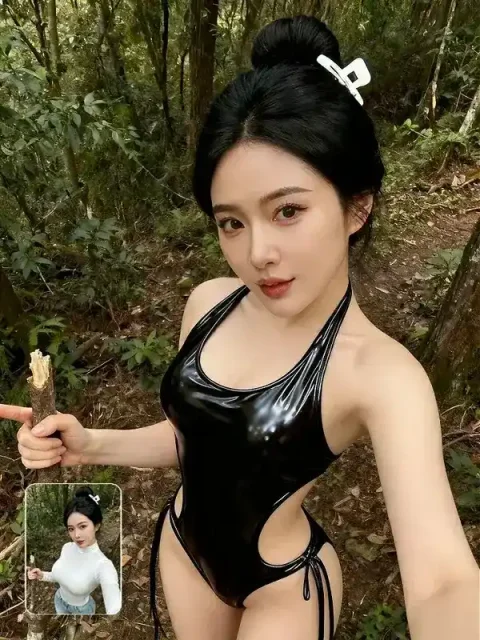
ai-bikini-sling-one-piece
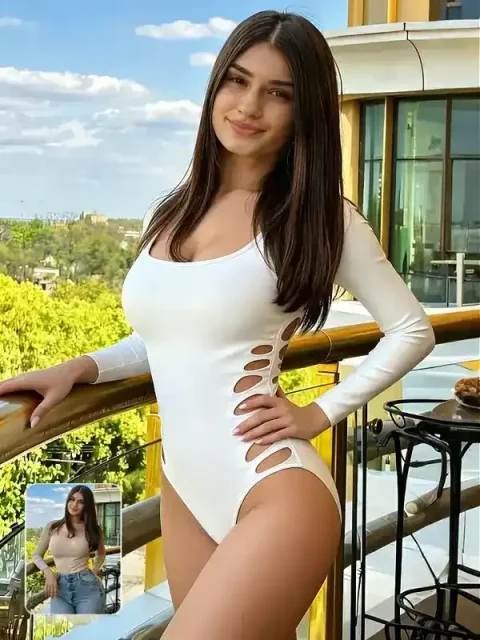
ai-bikini-Monokini
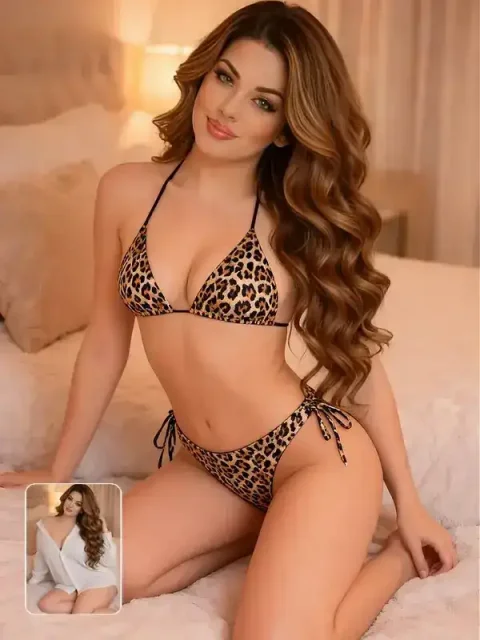
String Bikini






Create AI Bikini and Swimsuit Photos from One Image
Upload a photo and the AI transforms it into a realistic, natural-looking bikini image. Whether you're creating content, exploring swimwear styles, or simply curious, Visiva AI Bikini Generator helps you create your look online. No studio or physical samples required.


Create a Swimsuit Look from Your Photo
Create bikini images with natural-looking poses, detailed swimwear textures, and lighting that matches your chosen scene. Use your prompt to describe the setting and visual style, from a relaxed beach look to a fashion-inspired portrait.


Explore Bikini and Swimsuit Styles
Try triangle, one-piece, high-waisted, sporty, floral, and resort-inspired looks by changing the prompt.
Create Fashion Photos without a Photoshoot
Generate beach, poolside, studio, or resort-style images from one clear reference photo.
Control Color, Fabric, and Scene
Describe the color, pattern, coverage, fabric, lighting, and setting you want the AI to follow.
AI Bikini and Swimsuit Examples


How to Use Visiva AI Bikini Generator
FAQs
AI Bikini Generator
What is an AI bikini generator?
Visiva AI Bikini Generator is an AI-powered tool that creates bikini-style images from an uploaded photo. Add a prompt describing your preferred look and scene, choose the resolution and aspect ratio, and generate your image without manual editing.
How do I turn a photo into a bikini look?
Upload a clear photo, describe the swimsuit style, color, and scene, choose the available image settings, and click Create.
What photo works best?
Use a clear, well-lit image with one main subject and minimal obstruction. A visible pose and simple background give the AI more usable detail.
Which bikini and swimsuit styles can I create?
You can prompt for triangle, one-piece, high-waisted, sporty, floral, wrap, or resort-inspired styles, along with the color, fabric, lighting, and setting.
Is the AI bikini generator free to try and how many credits does it use?
You can use the credits available in your Visiva account. The credit cost depends on the current model and settings. For more credits, choose a subscription or purchase a credit top-up from the current Pricing page.
Can I animate the generated image?
This tool generates bikini images. To create a video, first generate and download your image, then upload it to Visiva’s Image to Video tool to animate it.
Explore Our Advanced Video/Image Models
Create Your AI Bikini Photo
Upload a photo, describe the swimsuit style, and generate a new fashion image with Visiva.